How to use dark mode and Arabic
Switch Nearby to a darker interface or use its fully right-to-left Arabic layout.
Quick answer
Open Settings to turn on Dark Mode or select Arabic. The map, chat, sheets, controls, and text update with your choice.
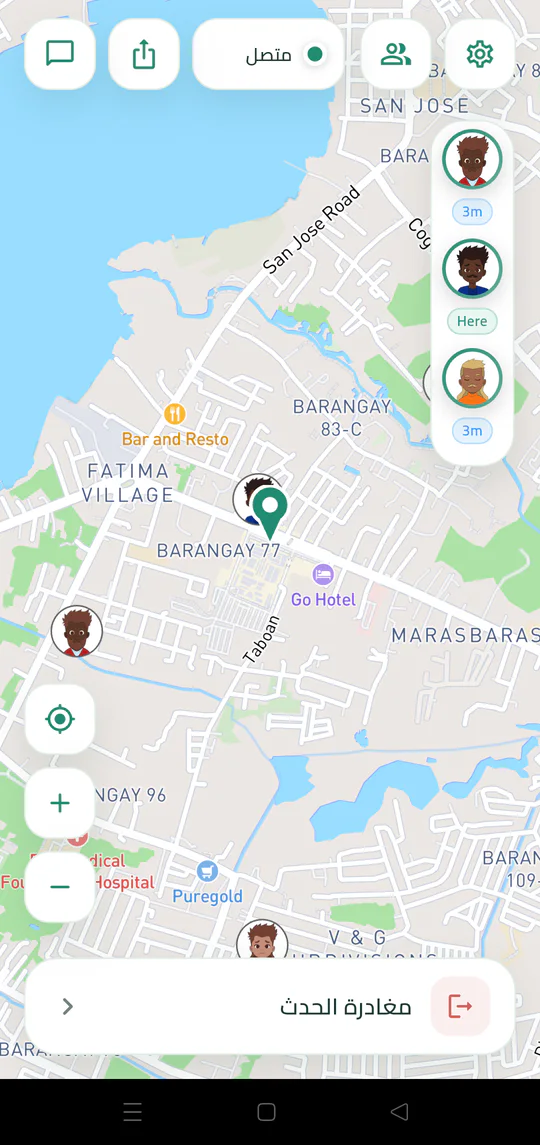
Walkthrough
Follow these steps
- 01
Open Settings
Tap the gear on the map.
- 02
Turn on Dark Mode
Use the Appearance setting for a dark map and dark app surfaces.
- 03
Choose Arabic
Under Language, select AR to switch the interface.
- 04
Continue normally
Invitations, map controls, and chat keep the same functions in the updated layout.

Ready to try it?
Start a meetup on Android and send one link to everyone else.