How to change Nearby settings
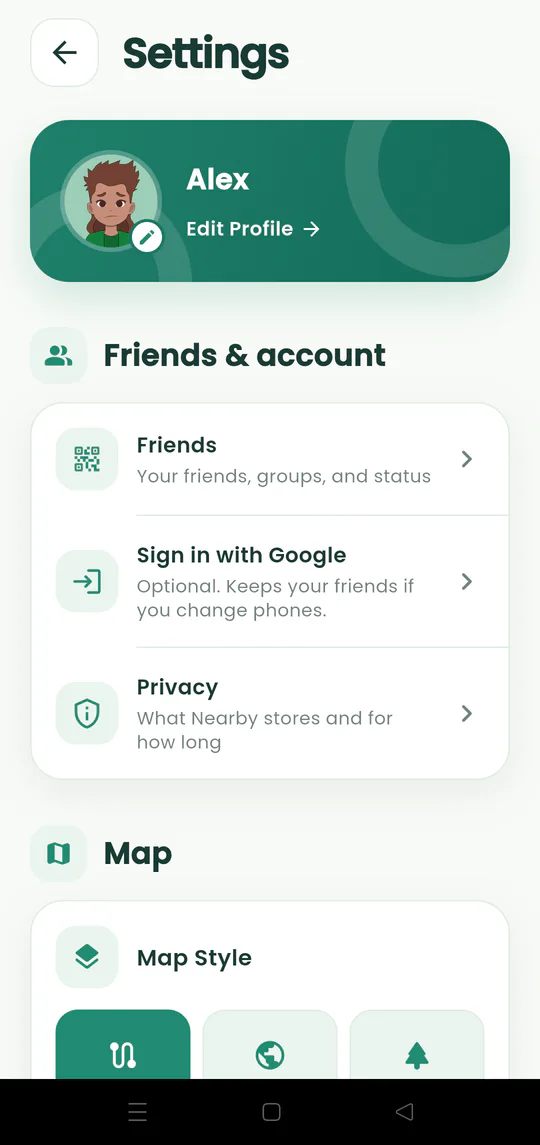
Manage your profile, friends, optional Google sign-in, notifications, privacy, map, language, and appearance.
Quick answer
Tap the gear on the map. Settings brings your identity, social tools, privacy information, map behavior, language, and appearance together in one place.
Walkthrough
Follow these steps
- 01
Open the gear menu
Tap the gear from the main or active meetup map.
- 02
Manage identity and friends
Edit your profile, open Friends, or use optional Google sign-in.
- 03
Adjust map behavior
Choose map style, kilometres or miles, sharing, and auto-follow.
- 04
Choose language and appearance
Change language, notifications, and dark mode to match how you use Nearby.

Ready to try it?
Start a meetup on Android and send one link to everyone else.