How to manage friend requests
Review incoming requests in your Nearby inbox and choose whether to accept, decline, or block the sender.
Quick answer
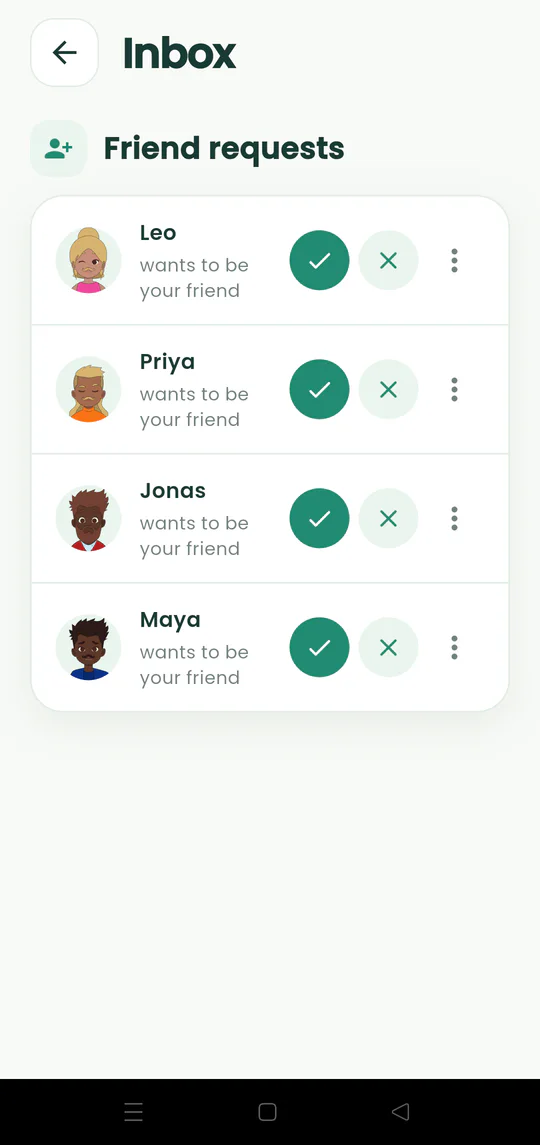
Open the inbox from the bell icon. Accept with the check mark, decline with the X, or use the menu when you need to block someone.
Walkthrough
Follow these steps
- 01
Open the inbox
Tap the bell on the map when it shows a badge.
- 02
Review the sender
Check the person’s display name and avatar before responding.
- 03
Accept or decline
Tap the check mark to become friends or the X to dismiss the request.
- 04
Block when necessary
Use the three-dot menu if you do not want that person to contact you again.

Ready to try it?
Start a meetup on Android and send one link to everyone else.