How to delete your Nearby data
Use Delete My Data to remove the information associated with your Nearby identity.
Quick answer
Open Settings, tap Delete My Data, review the warning, and confirm. Nearby then restarts with a fresh installation identity.
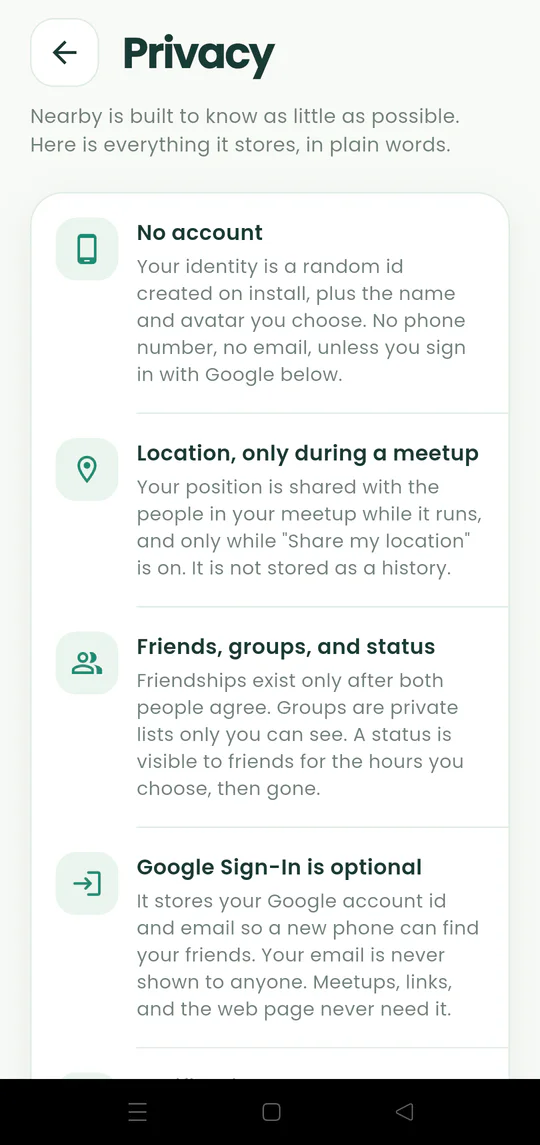
Walkthrough
Follow these steps
- 01
Open Settings
Tap the gear in the Android app.
- 02
Choose Delete My Data
This is separate from leaving one meetup or turning off sharing.
- 03
Review the deletion
Read the in-app explanation of the profile, social, meetup, and message data being removed.
- 04
Confirm and start fresh
Complete the deletion. Nearby restarts with a new installation identity.

Ready to try it?
Start a meetup on Android and send one link to everyone else.