How to coordinate a meetup during a power outage
Make a power outage meetup plan with written locations, short check-ins, battery-saving rules, safe travel decisions, and a backup when mobile data fails.
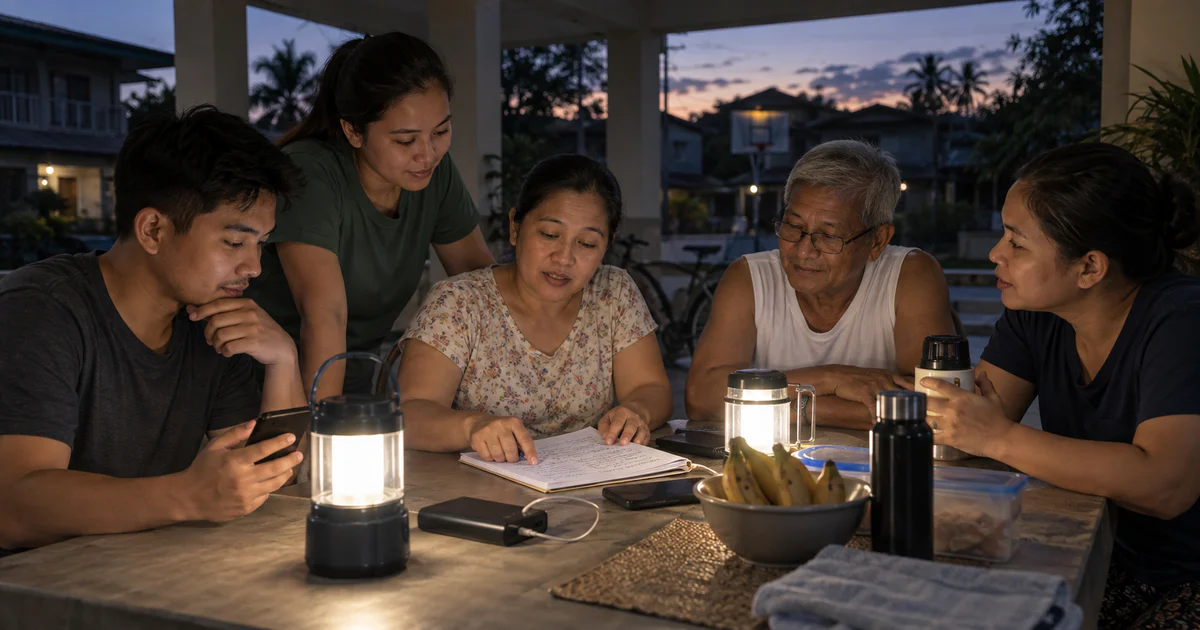
The lights go out at 6:00 p.m. One friend is still commuting, two relatives are at home, and the agreed café has closed. The group chat fills with questions just as everyone starts protecting their remaining battery.
A blackout meetup plan should reduce phone use, not create more of it. The essentials are one coordinator, one safe destination, one backup, and a rule for when nobody should travel at all.
First decide whether a meetup is necessary
An outage is not automatically an evacuation. Check official notices from the utility, local government, building management, or emergency authorities. Consider weather, traffic signals, lift access, public transport, security, and the needs of anyone who depends on powered medical equipment or refrigerated medicine.
The American Red Cross power outage guidance notes that outages can disrupt communications, water, transport, stores, banks, medical equipment, heating, cooling, and refrigeration. It recommends planning for backup power and communication, keeping a paper contact list, and deciding in advance when to stay or go.
If everyone is safe where they are, a scheduled check-in may be better than crossing dark roads. If somebody needs a cooling center, charging station, medical support, or another approved facility, confirm that it is open before leaving.
Name the destination precisely
“Meet at the mall” does not work when several entrances are locked. Use the facility name, exact entrance, floor or desk, and a landmark that remains visible without normal lighting.
Choose a backup location within a safe, practical distance. Both locations should avoid:
- Dark isolated routes
- Floodwater or downed electrical lines
- Lift-only access
- Private areas that may close during an outage
- Indoor generator or fuel hazards
- A journey that exceeds somebody’s mobility or medical limits
Confirm who will remain at the destination. A moving meeting point wastes battery and leaves late arrivals searching.
Send one compact status format
Nominate one coordinator to collect updates. Everyone else sends a single message in the same form:
SAFE - Ben and Liza - home - staying until 8:00 p.m. update - battery 44%
The coordinator replies only with confirmed changes. Avoid repeated “Where are you?” messages, large photo uploads, and parallel calls unless the situation requires a live conversation.
Agree on check-in times, such as every hour, rather than keeping every phone active. If messages fail, each person follows the written default: stay at the current safe location, use the paper contact, or move to the pre-agreed destination only when conditions allow.
Protect battery and health needs
Lower screen brightness, use battery saver, close unnecessary apps, and reserve a power bank for communication and essential access. Keep a battery radio or another way to receive official information if available.
The Red Cross recommends a support network for people who may need help staying home or evacuating during an extended outage. Its preparedness guidance for older adults also emphasizes backup plans for powered medical devices and refrigerated medicine, written medical information, and knowing who can assist.
Do not improvise with unsafe power sources. Generators, outdoor stoves, and charcoal equipment belong outdoors and away from windows according to manufacturer and official safety guidance. Use flashlights or battery lanterns rather than open flames.
Where Nearby can help - and where it cannot
While mobile data and phone power remain available, an invited group can use Nearby for a short meetup. Put the pin on the confirmed entrance, use the group chat for brief updates, and end the meetup once everyone has arrived. Friends can join through a browser without installing the app, and location sharing remains each participant’s choice.
Expect the service to stop working. Cell sites and home internet equipment may lose backup power, GPS may be slow or imprecise, and a participant may intentionally switch off location or data to conserve battery. Save the address offline and keep the paper plan.
Nearby is not an outage alert, emergency dispatch service, medical monitor, or proof of safety. If somebody has a health emergency, encounters a fallen power line, smells gas, or faces immediate danger, contact the responsible emergency service or utility and move away from the hazard.
The best blackout plan is deliberately boring: fewer messages, fewer moving people, one verified destination, and enough battery left for the update that matters.
When networks still work, Nearby can support a short meetup. Your written backup should work when they do not.
Common questions
How should a group communicate during a power outage?
Use short status messages, nominate one coordinator, conserve battery, keep essential locations and contacts on paper, and monitor official alerts through available channels.
Should everyone travel to the same place during a blackout?
Only if the route and destination are safe. People who need powered medical equipment, cooling, or other essential support may need an approved facility, while others may be safer staying where they are.
Will Nearby work when the electricity is out?
It may work while phones, GPS, and mobile data remain available, but an outage can disrupt all three. Never make it the only communication or meeting plan.