How to set the meeting point
Search for a place and position the shared destination pin where everyone should actually meet.
Quick answer
Use the search bar to find a place, check the pin on the map, and move it to the most precise public meeting point before starting the meetup.
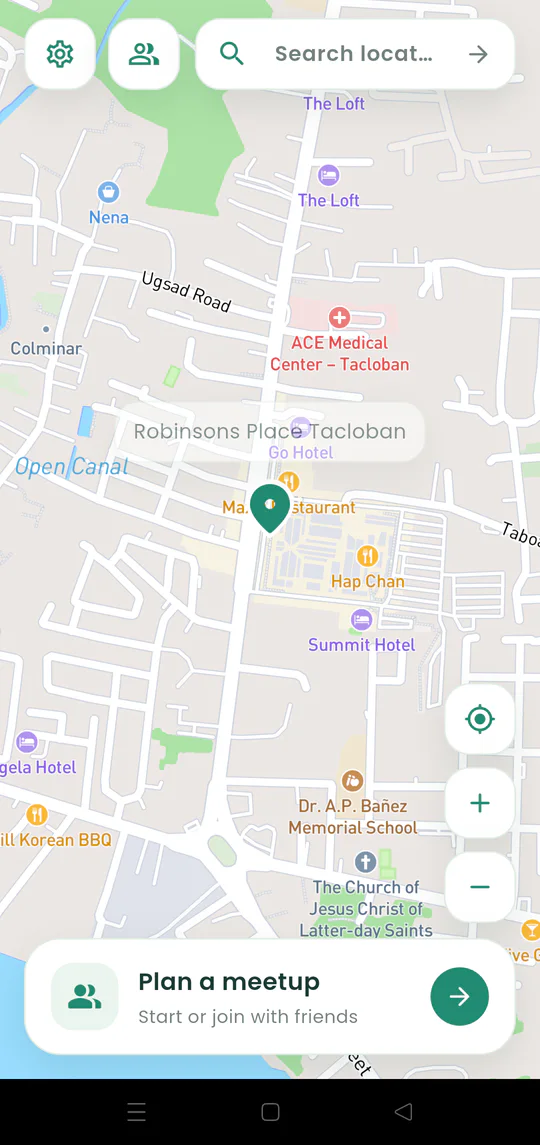
Walkthrough
Follow these steps
- 01
Search the place
Tap Search location and enter the mall, restaurant, park, street, or landmark.
- 02
Choose the right result
Tap the result that matches the correct city and destination.
- 03
Check the pin
Make sure it is on the intended entrance, gate, pickup point, or building.
- 04
Add a final landmark later
Once people join, use chat for details such as “north entrance beside the information desk.”

Ready to try it?
Start a meetup on Android and send one link to everyone else.