How to find your rideshare driver in a crowd
Cancelled pickups, a driver circling, and forty people standing where you are. How to make yourself findable after an event or at an airport.
The moment an event ends, thousands of people order a car at once, into a road network that has been closed and re-routed. Drivers cannot reach the pickup pin, passengers cannot see their car, and the trip gets cancelled from both ends.
Most of this is solvable by moving before you order.
Walk out of the zone first
The strongest single move: walk five to ten minutes away before you order.
Just outside the closure zone, the roads are open, the driver can actually reach you, and there are far fewer people competing for the same cars. You will usually be in a car sooner than someone who ordered immediately at the venue and waited through two cancellations.
Walk toward a named, quiet location: a specific side street, a hotel entrance, a petrol station, a supermarket car park. Somewhere a driver can stop legally for a minute.
Make yourself findable, not just locatable
The app gives the driver a dot. In a crowd, a dot is useless - there are forty people standing on it.
What actually helps:
- A precise landmark in the notes, before they arrive: “outside the Shell garage on King Street, by the air pump.”
- A description of you, which drivers use: “yellow jacket, standing by the blue sign.”
- Standing still once you have said where you are. Walking toward a car you have spotted is how you end up on the opposite side of a moving vehicle.
- The number plate, checked before you get in. Always.
The group version
Groups make this harder. Four people in different spots, one person’s phone ordering, and a driver who will not wait.
- Gather everyone before ordering. Ordering while two people are still in the toilets is how trips get cancelled.
- One person orders and is the contact. Not three people ordering three cars “just in case”, which wastes drivers and money and leaves someone stranded.
- For larger groups, split deliberately into agreed pairs with an agreed destination, rather than improvising at 1am.
- Agree the destination before you order, out loud, so nobody gets into the wrong car.
At airports
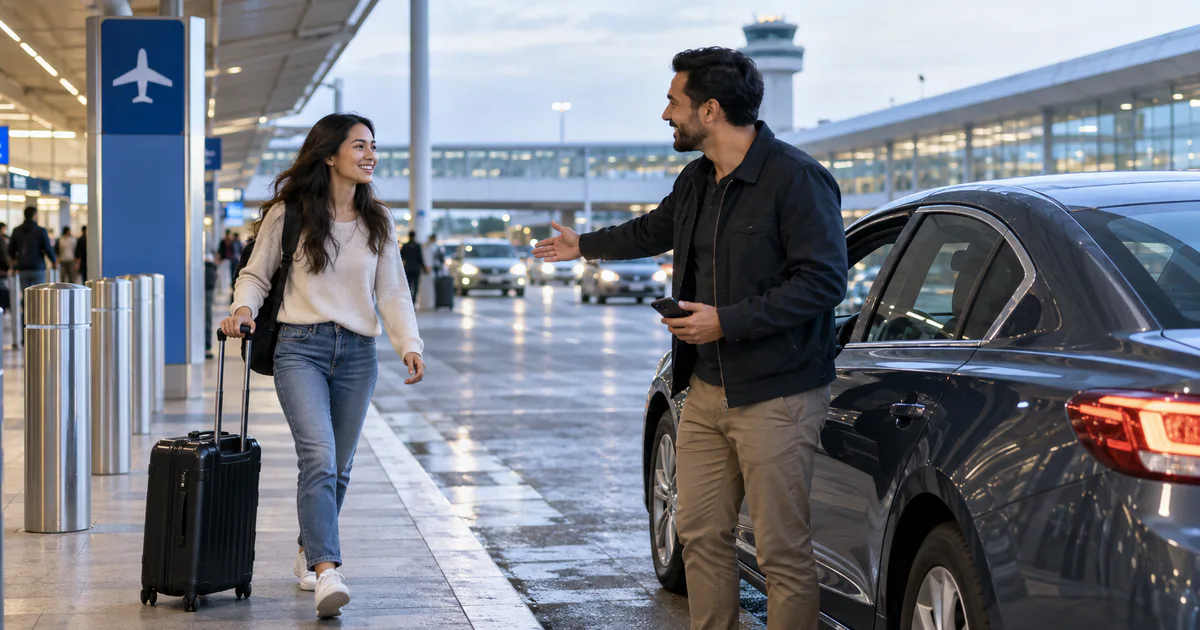
Airports have their own rules, and they are strictly enforced: most have a designated rideshare pickup area, often in a car park or on a specific level, not at the terminal kerb.
Find it on the airport signage rather than trusting the app’s pin, and tell your driver which level and which zone letter you are at. Kerbside waiting is increasingly restricted, charged, or moved on.
The same applies to the reverse trip - see meeting someone at the airport.
Safety basics, briefly
- Check the plate, the car, and the driver’s name before getting in.
- Sit in the back if you are alone.
- Share your trip with someone if you are travelling alone at night - most apps have this built in.
- If something feels wrong, do not get in. Another car is a few minutes away.
Where Nearby fits
We build Nearby, and this is a case where the honest answer is limited.
It does not help you find a driver - that is the rideshare app’s job, and it does it well.
Where it helps is the group: getting your four people to the same pickup point before anyone orders. That is the actual failure - the trip cancelled because the group was scattered. Drop a pin on the petrol station you have walked to, share the link, and everyone converges on the same spot. Then order one car.
The browser join matters at 1am when nobody is installing anything: one link, a name, on the map.
The pickup checklist
- Walk out of the closure zone before you order.
- Pick a named, quiet spot a driver can legally stop at.
- Gather the whole group first, then order.
- Send a landmark and a description of yourself.
- Stand still. Check the plate.
- At airports, use the designated pickup zone, not the kerb.
Nearby is free on Google Play, and the group joins your map from any browser.
Common questions
Why do rideshare drivers cancel after big events?
Because they cannot reach the pin. Road closures, crowds and one-way systems mean the app's suggested pickup point is often physically unreachable, and a driver stuck for ten minutes with no passenger in sight will cancel and take another job.
Where should you get picked up after a concert or festival?
Several streets away from the venue, outside the closure zone, at a named, quiet location such as a specific side street, hotel entrance or petrol station. Walking five minutes usually gets you a car faster than waiting at the venue.
How do you help a driver find you in a crowd?
Stand somewhere with a name and a number, not a general area. Send the driver a short message with a specific landmark, describe what you are wearing, and stay still once you have sent it rather than moving toward the car.